Connections rebuilt for faster evidence review
The new Connections screen keeps filters, sorting, traffic direction, endpoint context, and individual network exchanges in one consistent workspace.
Connections has been rebuilt as a full evidence-review screen using the same interaction model as the newer request and activity lists.
What changed
Initiator, target, port, and status filters remain visible above the results. Sorting, paging, and traffic direction are applied consistently, while clipped values expose their complete text on hover.
Upload and download are shown separately alongside total data, making it easier to tell which side transferred the information instead of relying on one combined value.
Endpoint context without losing the list
Endpoint controls open analysis immediately in a stable dialog. Domain reputation, ownership, observation time, and related context can be reviewed without navigating away from the filtered connection set.
Where to find it
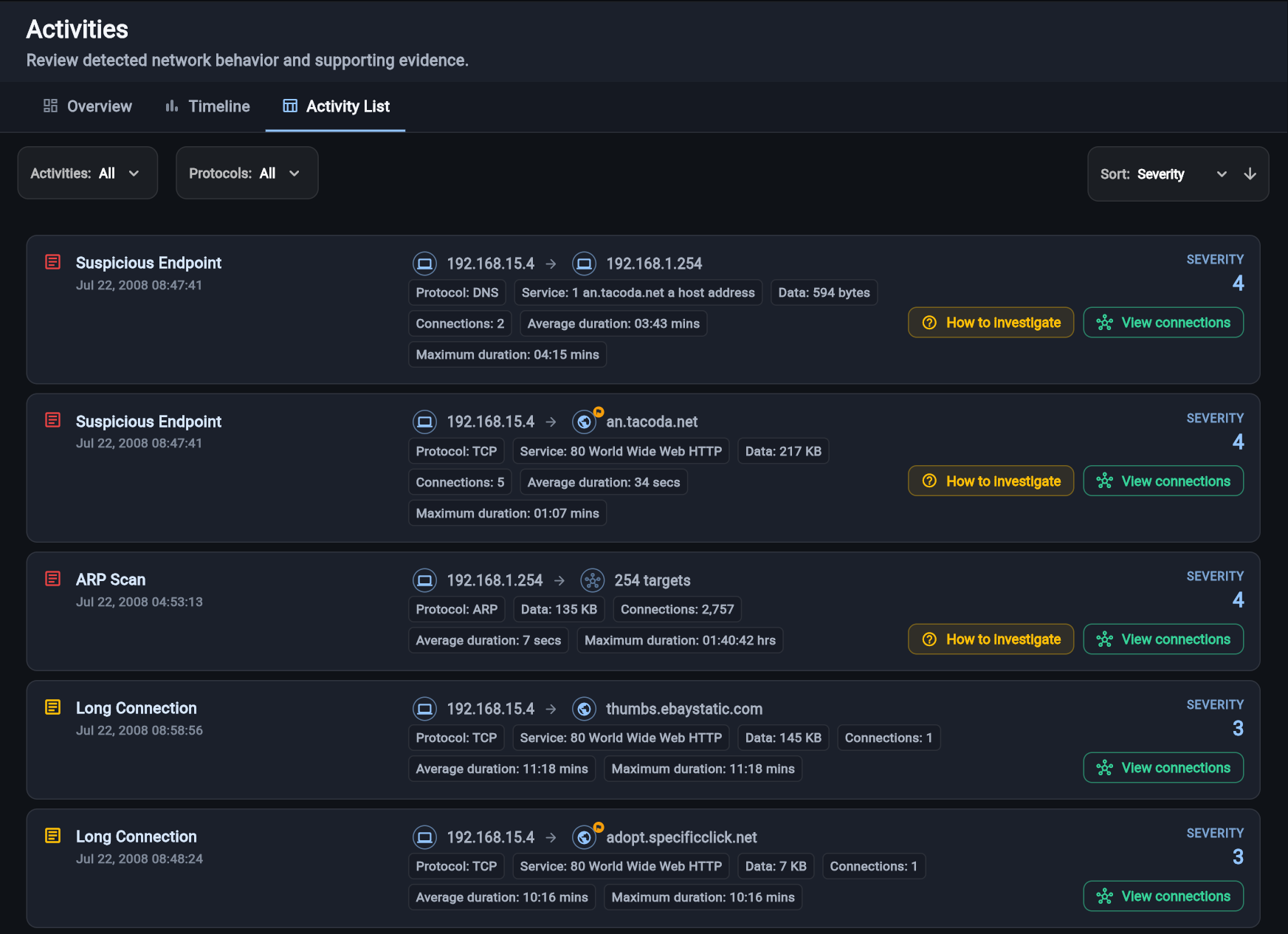
Open an activity and choose View connections, or start from the sample Activity List.