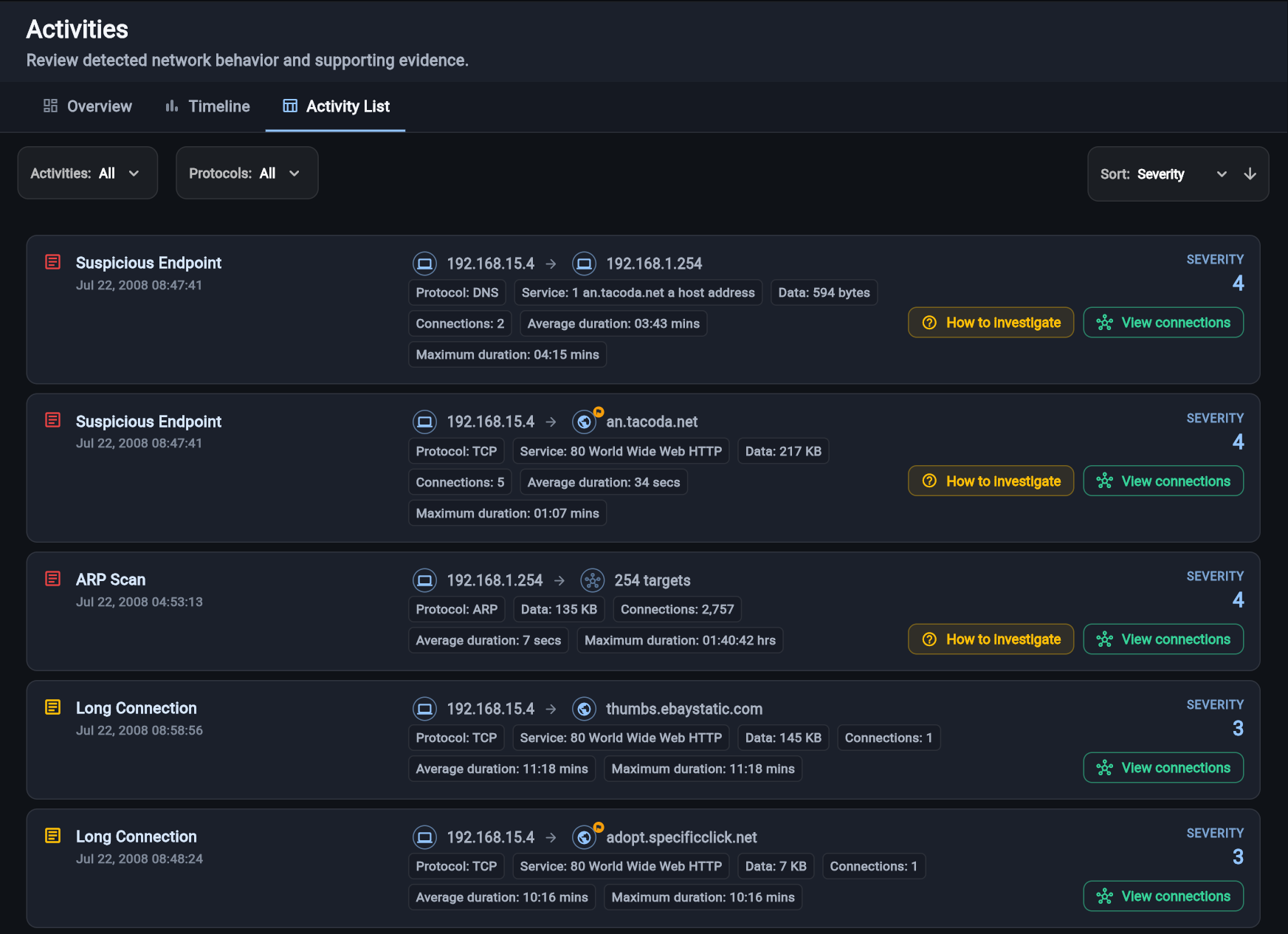
Investigate live activity, not an old snapshot.
Red Hand Analytics updates as Collector observes new connections, endpoints, activities, and data movement, keeping everything in one continuously evolving investigation.
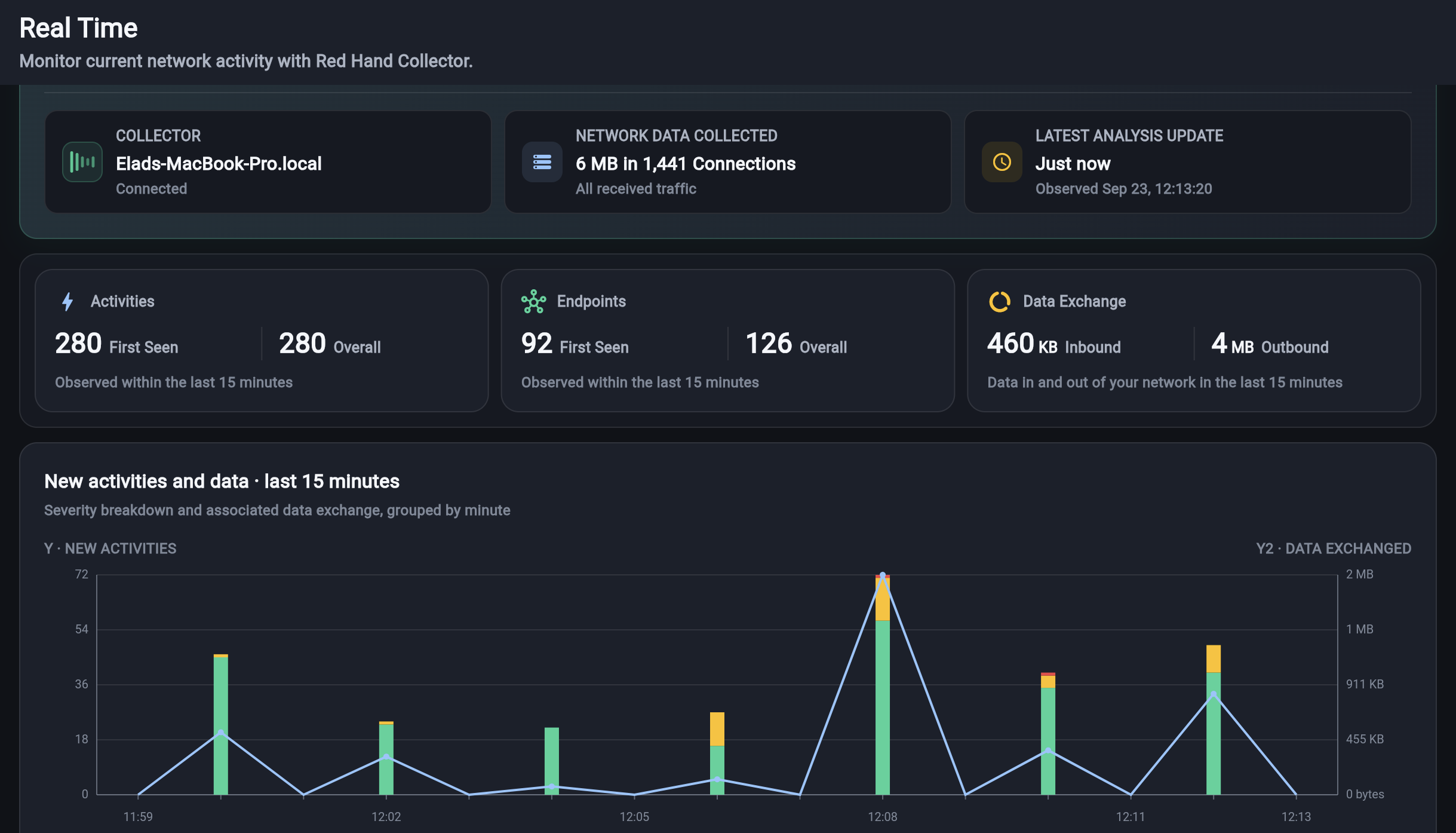
Live network analysis
Continuously monitor endpoint network activity, identify the process behind each connection, and investigate new findings in real time with the context needed to understand what is happening.
Red Hand Collector runs on Windows, Linux, and macOS. It must be installed on a laptop or desktop computer. If your operating system was detected incorrectly, select the appropriate tab above to continue.
To install, copy and run this command in PowerShell.
irm https://api.redhand.io/install.ps1 | iex
Run PowerShell as Administrator. Administrator access is required to capture traffic from the network adapter and read information about running processes.
To install, copy and run this command in Terminal.
curl -fsSL https://api.redhand.io/install.sh | sudo bash
sudo access is required to capture traffic from the network interface and read information about running processes.
Create a free account now or create one during first-time setup.
Red Hand Collector
Collector keeps the investigation current while adding the process and endpoint context needed to understand each connection.
Red Hand Analytics updates as Collector observes new connections, endpoints, activities, and data movement, keeping everything in one continuously evolving investigation.
Reveal periodic beacons, slow scans, repeated failures, gradual transfers, and multi-stage behavior that isolated events cannot reliably show.
Identify the responsible application so expected software behavior can be separated from activity that requires attention.
Add threat intelligence, ownership, reputation, popularity, and domain context to the endpoints involved in each connection.
How Red Hand Collector works
Collector watches network activity and the processes behind it. Red Hand Analytics turns that live stream into findings you can investigate as they appear.
Network activity + process context
Findings + evidence + next steps
Open a sample report to see the findings and supporting evidence.
View an example investigation